Van guide
Best dash cam for a van UK
Most van buyers need the same two things car buyers need, with a bit more emphasis on the rear: a front camera that can show a number plate in ordinary UK light, and a rear camera that covers reversing and car-park bumps. Cab height changes where you mount the front unit; it does not usually change which sensor class is worth buying.
As an Amazon Associate we earn from qualifying purchases. Full disclosure.
What matters on a van that is less obvious on a car
A van cabin sits higher than a typical hatchback. The front camera still goes behind the rear-view mirror area on the windscreen, but you should check that the mount does not sit in the driver’s eye line and that the lens can see over the bonnet line without pointing at the sky. Most Click&Go and adhesive cube mounts work in vans; the awkward part is usually routing a rear-camera cable through a longer headlining run, not finding a mount that will stick.
Reverse coverage is the other practical difference. Panel vans without a clear rear window may need the rear camera aimed through a rear door window, a high rear light cluster area, or another clear glass panel — or you may decide a front-only camera is enough if the load bay has no usable glass. This page assumes a van with a rear window you can film through. If you only have solid panels, buy front-only and treat reverse coverage as out of scope for a windscreen kit.
Who this page is for
This guide suits tradespeople and fleet drivers who want a dual kit for UK roads and shared yards, and who are willing to fit (or pay an installer to fit) a hardwire kit if they also want parking mode after the engine is off. It is less useful if you only need a discreet front-only camera for commuting in a car, or if you will refuse any cable routing through the headlining.
Lead picks for a UK van
Two dual kits cover most van shopping. A third Thinkware dual is worth a look if you already prefer that brand’s parking approach. Spec grades are from published sheets — see /method.
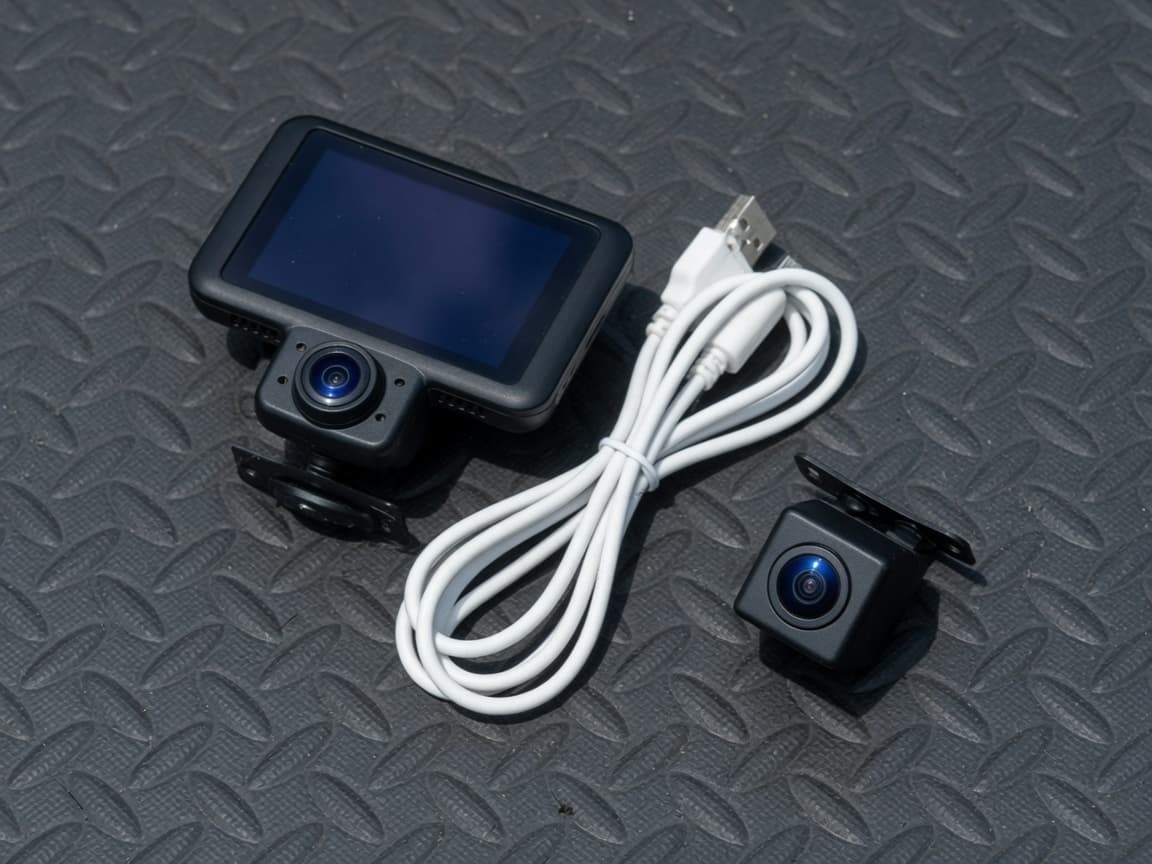
UK dual with a screen — familiar Nextbase kit
Nextbase 622GW Front + Rear
This kit pairs the 4K 622GW with a 1080p rear camera in the box. Parking mode only works after a hardwire kit is fitted.
Spec grades
- Spec · Evidence
- B
- Spec · Parking
- C+
- Spec · Night
- B
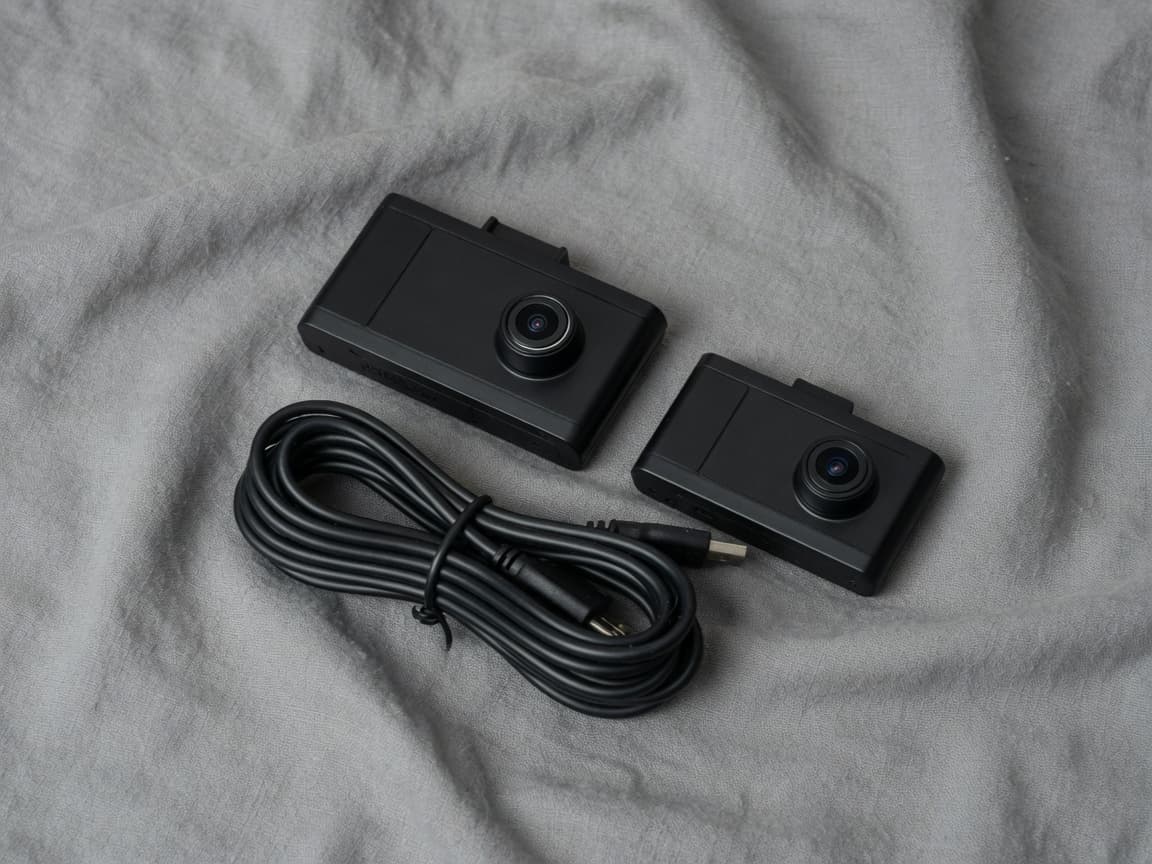
Stronger dual evidence sheet — STARVIS 2 front and rear
VIOFO A229 Pro 2CH
A front-and-rear kit built around footage quality: 4K and 2K STARVIS 2 cameras, with buffered parking after you fit a hardwire kit.
Spec grades
- Spec · Evidence
- A
- Spec · Parking
- B+
- Spec · Night
- A
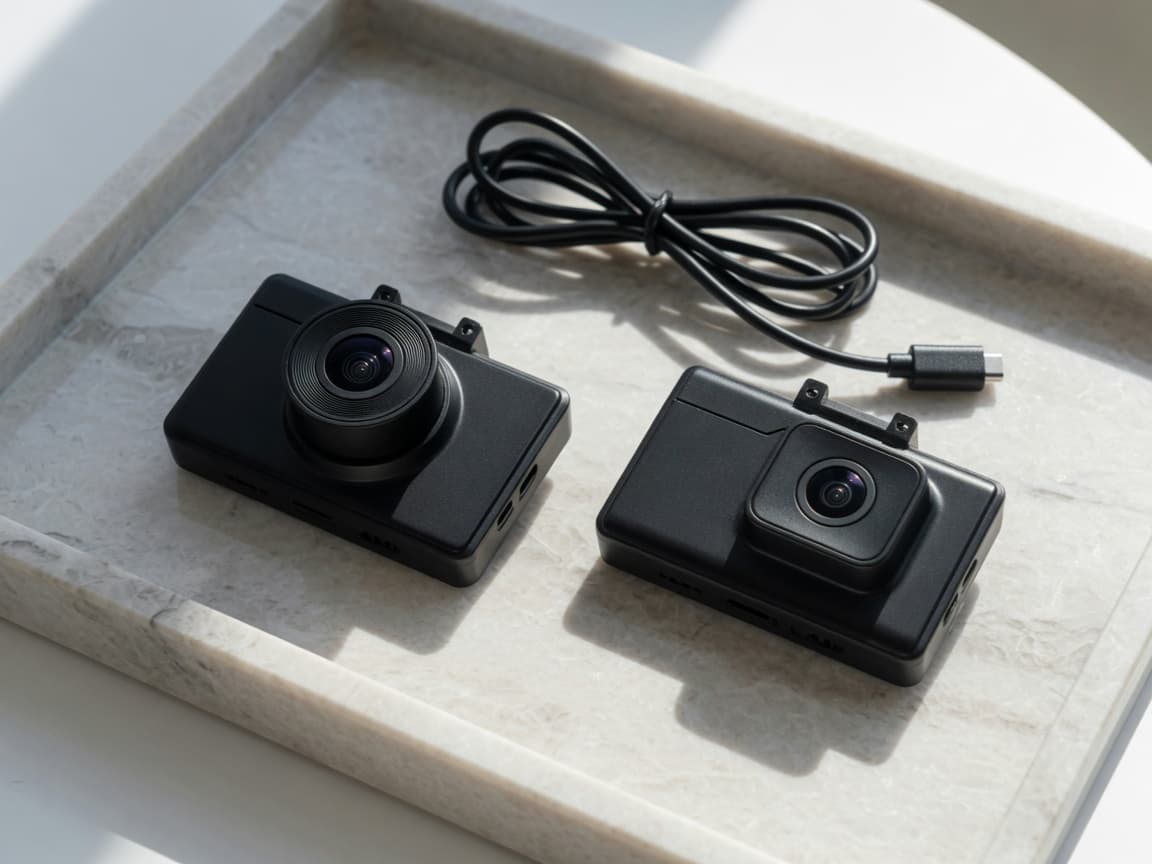
Thinkware dual when you want that brand’s parking options
Thinkware Q1000 Front + Rear
The Q1000 is a 2K dual with STARVIS sensors at the front and rear, and Thinkware’s parking modes. Radar is sold as an optional puck rather than included in the box.
Spec grades
- Spec · Evidence
- B+
- Spec · Parking
- B+
- Spec · Night
- B+
Nextbase 622GW Front + Rear
The Nextbase 622GW Front + Rear is the straightforward UK dual if you want a 3-inch screen, a polarising filter on the front camera, and a kit you can buy and get support for on the high street. The front records in 4K. The rear that arrives in this kit is 1080p, so if you are comparing duals mainly because you want a sharper rear for reverse claims, read the VIOFO notes below before you decide.
Parking mode on Nextbase is Intelligent Parking Mode — a G-sensor wake. Nextbase’s own manuals say a hardwire kit is required for a reliable parking-mode experience. Without that live supply, the camera powers down with the ignition. That is the same rule as every other dual on this site: the cigarette-lighter lead alone will not keep recording while the van is locked.
Buy this kit if you already prefer Nextbase, want the screen for setup and playback, and want the rear camera included now. Skip it if your main reason for buying a dual is a 2K STARVIS 2 rear, or if overnight buffered or radar parking is the priority.
VIOFO A229 Pro 2CH
The VIOFO A229 Pro 2CH is the dual this site points to when footage quality from both cameras is the reason you are shopping. The manufacturer lists a 4K STARVIS 2 front and a 2K STARVIS 2 rear. That rear specification is the practical difference for a van that spends time reversing into yards and loading bays.
Buffered parking is listed clearly once a hardwire kit is fitted. VIOFO’s published notes name the HK4 or HK6 kit for that. Until the kit is fitted, treat parking mode as unavailable in practice. There is no large Nextbase-style screen; setup is usually through the app and the camera body.
Choose the A229 Pro if you will hardwire a dual and care more about the sensor sheet than about a touchscreen. Choose something else if you want built-in radar for overnight street parking, or if a high-street Nextbase screen is the main interface you want.
Thinkware Q1000 Front + Rear — when it fits
The Thinkware Q1000 Front + Rear is a matched 2K dual with STARVIS sensors front and rear. Thinkware’s parking modes are the reason many drivers look at this brand. Radar is sold as an optional puck rather than included in the box, so do not assume radar arrives in the carton. Hardwire (or Thinkware’s OBD-II cable) is still required for parking after the engine is off.
Mention this dual when you already prefer Thinkware’s parking approach and a 2K matched pair is enough. Look at the Thinkware U3000 instead if you want radar built into the camera and a 4K front. Skip the Q1000 if you will only use a cigarette-lighter lead.
Who should not buy from this page
Skip a dual van kit if you have no usable rear glass — a front-only camera such as the VIOFO A119 Mini 2 is the honest fit. Skip these recommendations if you are not prepared to route a rear cable or to hardwire for parking. This page is also the wrong place if you need cabin recording for ride-hail work; that raises privacy questions and is outside the product set above.
Parking mode in a van
If the van sits on the street overnight or in a shared yard, parking mode is often as important as the dual kit itself. Buffered recording after the engine is off needs a permanent live supply and a low-voltage cutoff. Read parking mode and hardwire kits explained before you assume the lead in the box will do that job. For the wider buying order — night plates first, then parking, then extras — start with the how to choose guide and the Best 5.
Related reviews: Nextbase 622GW Front + Rear, VIOFO A229 Pro 2CH, and Thinkware Q1000 Front + Rear. Publisher contact: aivora@agentmail.to.
Common questions
- Do I need a rear camera in a van?
- Usually yes if you reverse into tight yards, load bays, or shared car parks. A front-only camera cannot show a rear bump or a claim about who hit you while reversing. Dual kits put a second camera on the rear window on a cable routed through the headlining.
- Will a car dash cam fit a van windscreen?
- Most of the cameras on this site use a windscreen mount that works in vans as well as cars. The practical difference is cab height and glass angle: you want a clear view of the road ahead without blocking the driver’s sightline, and a rear camera that can actually see behind the load area or through a rear window if the van has one.
- Is parking mode more important in a van?
- It depends where you leave the van. Street parking overnight and shared yards are the usual reasons to hardwire. A cigarette-lighter lead alone will not keep recording after the ignition is off. See the parking-mode and hardwire guide on this site for how that works.
- Are these recommendations based on van road tests?
- No. Spec grades and product notes on this site come from published manufacturer specifications and manuals. We have not run our own van installs or plate-read tests.
As an Amazon Associate we earn from qualifying purchases. Spec grades are not laboratory results.